Setting Font Properties
Activity Description
Sets the font properties of a specified selection in an Excel worksheet, including color, font size, and typeface
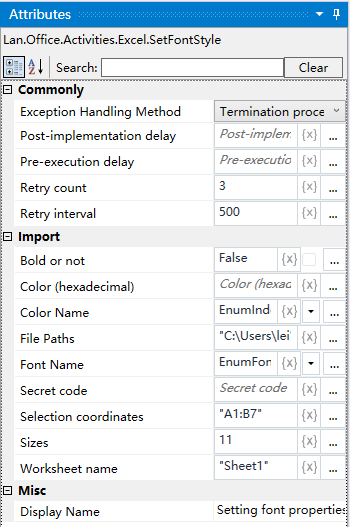
Property Description
Size
Sets the size of the font
Worksheet name
Fill in the name of the Excel worksheet
File Path
Fill in the full path of the Excel file (you can also click the icon to the right of the input box to select the full path of the file)
Constituent coordinates
Read the content of the selection, the default is “A1: B7”, can be modified according to the actual situation
Font name
drop-down list box, select the font style that needs to be set
Font color
Receive hexadecimal color code, string type
Usage Example
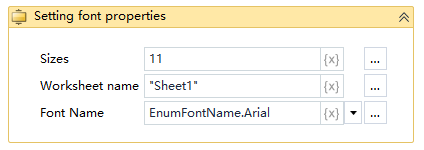
Execution steps: Excel table, Sheet1 worksheet in the A1: B7 region of the content of the font color is set to red - to see the results of the operation
Note: the implementation of the activities, the first to close the activities need to use the Excel file