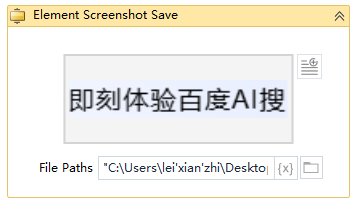
Element Screenshot Save
Activity Description
Save a screenshot of the selected element

Property Description
Timeout Time
If the element is not found after this time, the process execution will report an error, default is 8000ms (milliseconds)
Path to file
The full path where the screenshot of the element is saved
Element selector
Click the [Capture] icon to capture a new element and save a screenshot of that element
Element to be manipulated
The element whose screenshot needs to be saved. If the value of this variable is null, the element selected by the element selector will be output to this variable, which can be called directly by subsequent processes.
Usage Example
Execution logic: save the screenshot of the target element to the test1 folder and set the name of the image to the console logo in png format.