Element Screenshot Save
Activity Description
To determine if an element exists, you can specify the corresponding page element using the element selector
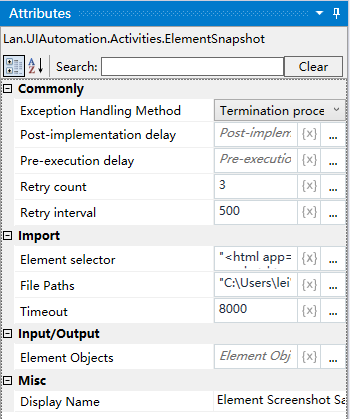
Property Description
Outputs the result of the presence determination
The page looks up the corresponding element and outputs the result to the variable
Element selector
Select a captured element from the set of elements and determine whether the element exists or click the [Capture] icon to capture a new element and determine whether the element exists according to the element.
Usage Example
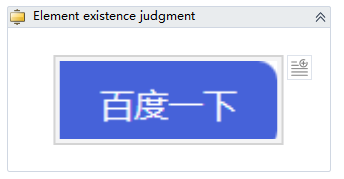

Execution steps: Determine whether the target element exists or not - output the result value