Flowchart Switch
Activity Description
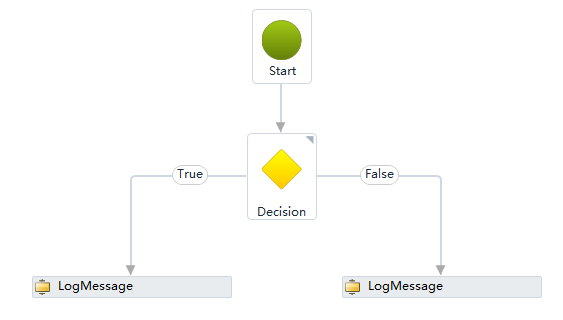
Acts only within a flowchart. Executes a different branch for the case judged by the given expression to connect to the subsequent flow. Different parameter types can be set for the case value. If none of the cases are satisfied, then the Default branch is executed.
Property Description
Expression
Enter the expression used to determine the situation
Usage Example

Execution steps: Start - Assign a=8 - Perform Switch case judgment, execute branch for case a<8 - Print “B” in the runtime log