Element Click
Activity Description
Click on the specified element object, you can configure the click mode, click position and other parameters
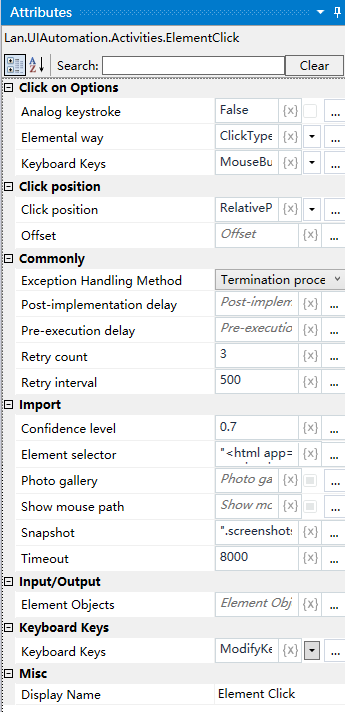
Property Description
Click Mode
Select the click method from the drop down box, you can choose click, double click, mouse down, mouse off
Analog keying
Choose whether to simulate typing or not
Mouse Button
Select the mouse button for clicking from the drop-down box, you can choose left button, right button, scroll wheel
Element Selection
Capture a new element by clicking the [Capture] icon and clicking on the element
Image Underlay
Select whether or not the image is underlined
Confidence
Adjust the confidence level to specify the recognition accuracy
Usage Example
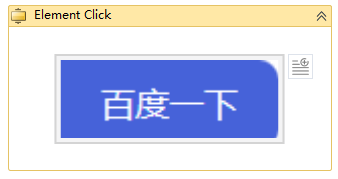
Execution steps: Send text to Baidu input box - click the search button after sending the text