Select file
Activity Description
When run, brings up the system file selection window and manually specifies the selected files. You can specify whether or not to select more than one, and output the full path of the files retrieved
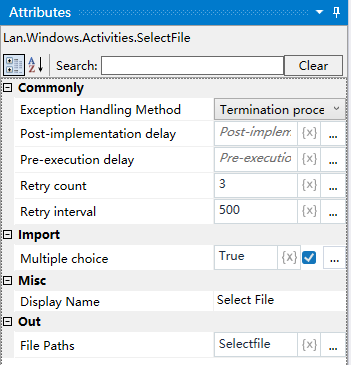
Property Description
Output file path
Output the full path of the fetched file as a variable
Whether to select more than one
Choose whether to select multiple files, default is “yes”
Usage Example
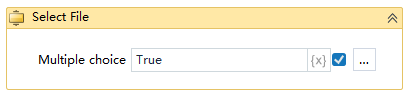
Run result:

Execution steps: Run the project, start the activity will pop up the file selection box, select a file, you can get the absolute path of the selected file