Grab Tables
Activity Description
Grab the content of a specific table on a web page. It also supports capturing text, links and other information. After clicking “Start Crawling”, you will start to select the element, follow the interface guidelines to select the element, and note that the two selections must be related elements.

Property Description
Output result
The result of the form capture, output to variable
Delayed wait per page
Default is 3000 milliseconds, customizable input
Next Page Element Selection
When there are multiple pages of data will be displayed according to the page data, only a single page is empty.
Number of pages
Define the maximum number of pages, will stop crawling when it reaches the maximum number of pages.
Element selector
Select a captured next page element from the element set, click the [Capture] icon to capture a new next page element.
Maximum rows
Define the maximum number of rows, and the capture will stop when it reaches the maximum number of rows.
Usage Example
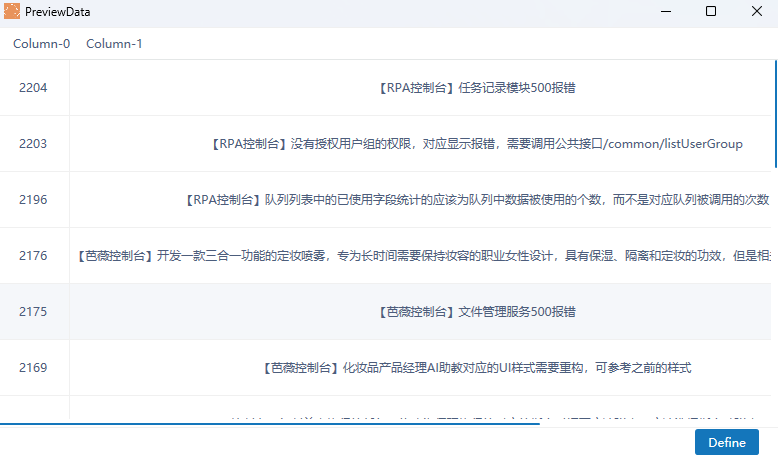
Execution Steps: Grab the table text and output it to the specified variable - write the content of the variable to the specified area