Setting Element Attributes
Activity Description
Sets the attribute value of the currently specified element
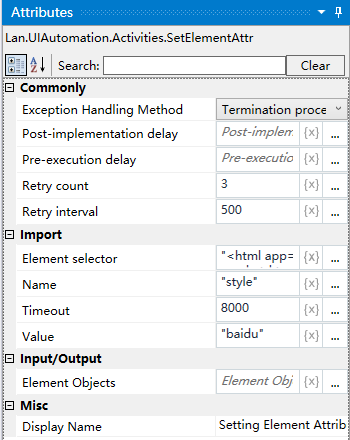
Property Description
Element Selector
Clicking the element detector captures a new element and sets the element attributes
Input name
The name of the attribute to be set, e.g. “style”
Enter the value
The value of the attribute to be set, e.g. “test”.
Example of using
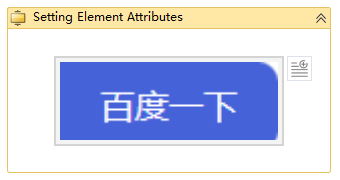
Execution steps: Select the style attribute of the element - change the value of the style attribute to test.