Select Folder
Activity Description
Output the path to the selected folder directory
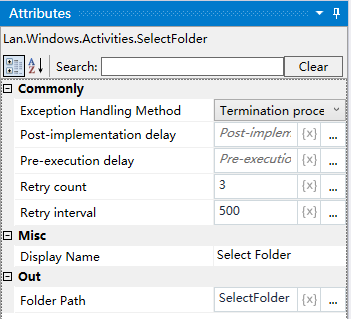
Property Description
Output folder path
The absolute path of the selected directory is assigned to this variable.
Usage Example
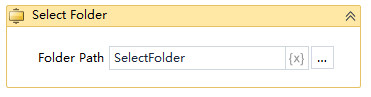
Run Result:

Execution steps: Run the project, start the activity will pop up the browse folder pop-up box, select a folder, you can get the absolute path of the selected folder