Dialog
Activity Description
An input box with a customized title and description is popped up and a string can be entered into the input box. The input can be received using the “Variable” attribute.
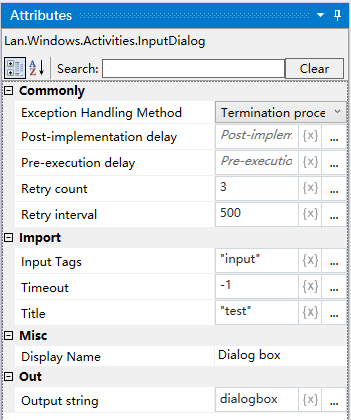
Property Description
Outputs a string
Define a variable to receive the content of the input dialog
Title
Set the content of the title of the input box, e.g. “Dialog Box Test”
Input Label
Description of the content of the input box, e.g., “222”
Example of using
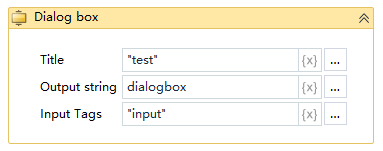
Run Result:

Execution steps: Run the project, windows system will automatically pop up the input box, input the desired value in the input box, click OK can be, the output string variable will receive the input value