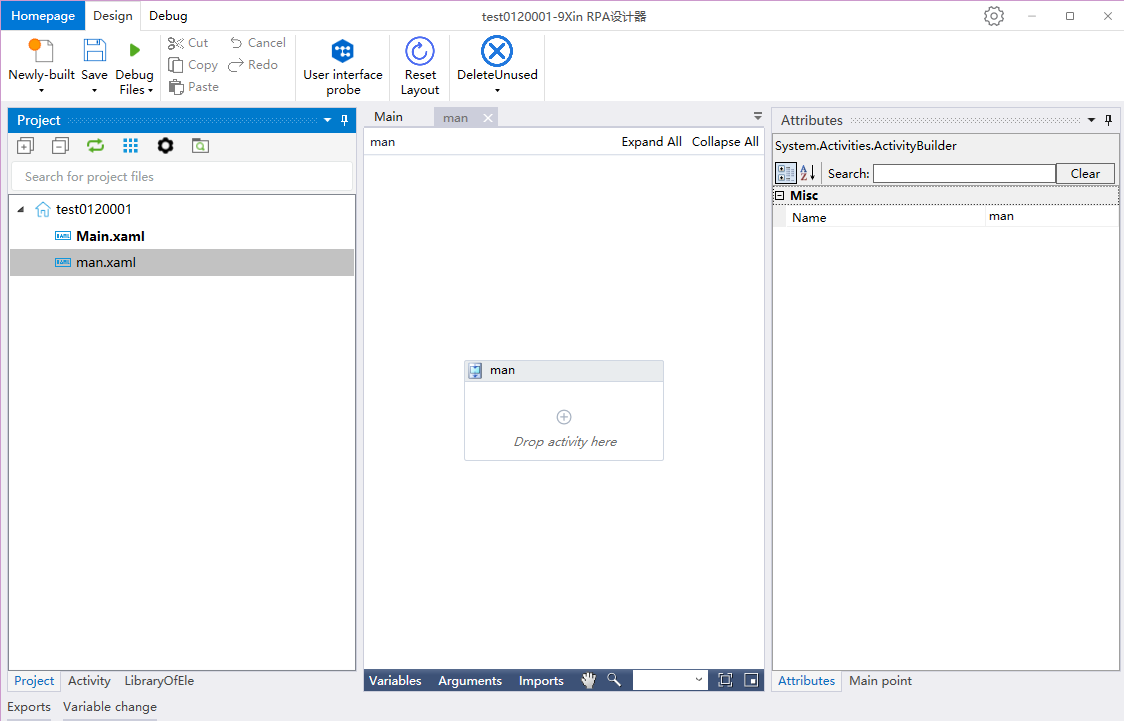
New Process
How to create/open a new process
New Process
1, double-click the 9xin RPA desktop icon
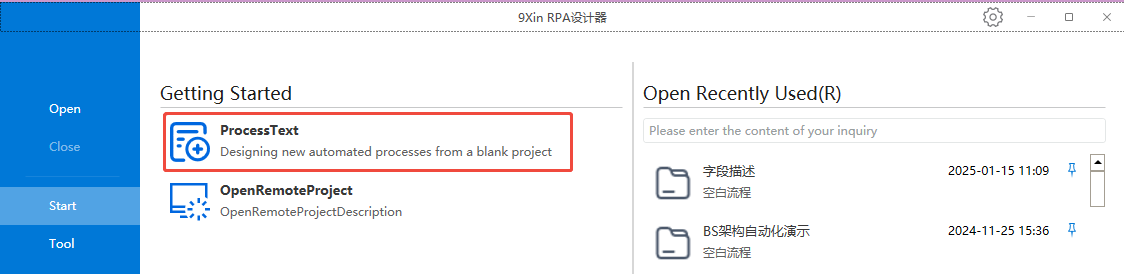
2, select Start, click on the process, a new blank process pop-up box appears
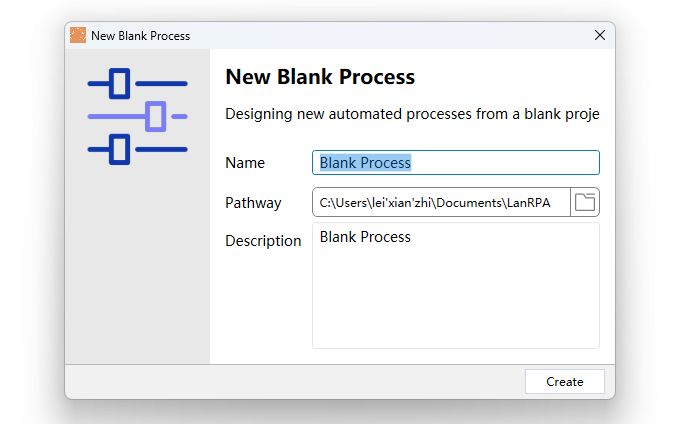
3、Enter the corresponding process name, location, description, and click Create!
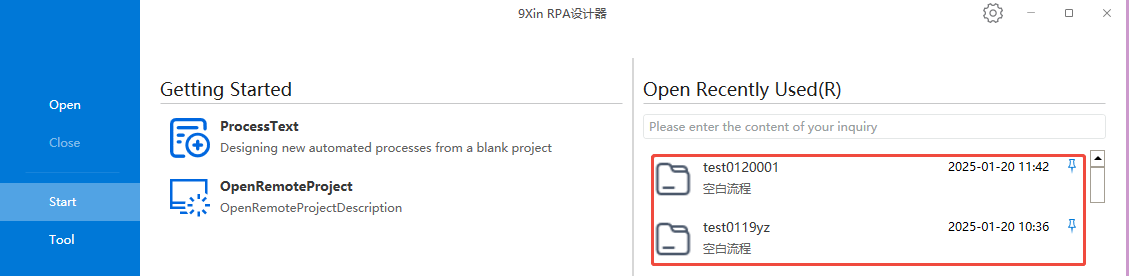
Open the process
1, double-click the 9xin RPA desktop icon
2, select Start, select the right side of the recently created activities
Designer Home Page