New Worksheet
Activity Description
Create a new worksheet in an Excel file, you cannot add a worksheet with the same name in an Excel workbook!
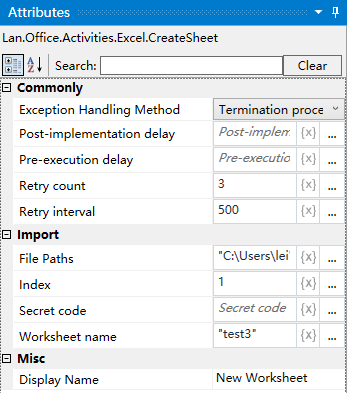
Property Description
Worksheet name
Fill in the name of the Excel worksheet
Index
can be specified to create the location of the worksheet order, can be directly expressed in numbers
Note: 0 means the first, 1 means the second
file path
Fill in the full path of the Excel file (you can also click the icon to the right of the input box to select the full path of the file)
Example of use
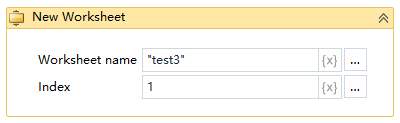
Steps: Create a sheet named “Sheet6” without filling in the index (add to the last one by default) - view the result of the operation.
Note: the implementation of the activity, the first activity to close the Excel file to be used