Deleting Worksheets
Activity Description
Deletes a specified worksheet from an Excel file
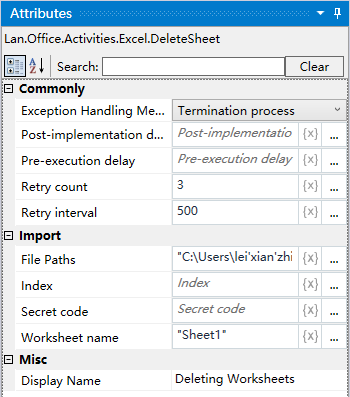
Property Description
Worksheet name
Fill in the worksheet name for Excel
Note: Index attribute and Worksheet Name attribute need to fill in only one
Index
You can directly specify the order of the worksheet, which can be directly expressed as a number
Note: 0 means the first, 1 means the second
File Path
Fill in the full path of the Excel file (you can also click the icon to the right of the input box to select the full path of the file)
Example of use
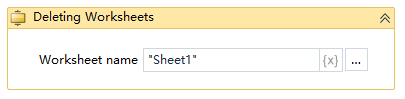
Execution steps: Delete the Sheet1 worksheet in the Excel file - view the result of the operation
Note: When executing the activity, first close the Excel file to be used for the activity.