Image click
Activity Description
Click on a given image using the specified method
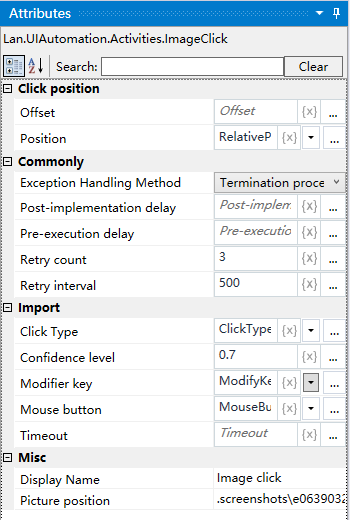
Property Description
Click position
Select the mouse click position from the drop down box, you can choose center, top left, top right, bottom left, bottom right
Mouse Button
Select the mouse button from the drop-down box
Confidence
Adjust the confidence level to specify the recognition accuracy
Picture position
Pictures can be captured using the “Screenshot” function, or by using pictures from the “Picture Gallery”.
Example of using
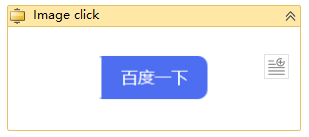
Steps: Click on the image - go to the image details page.