Setting Alignment
Activity Description
Set the alignment of the selected content of the document, you can choose to: left alignment, center alignment, right alignment, both ends of the alignment, scattered alignment
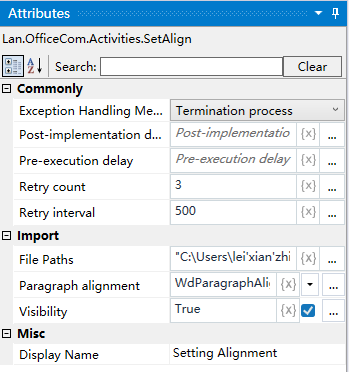
Property Description
Paragraph Alignment
Select the alignment, default is left aligned, you can choose: center aligned, right aligned, both ends aligned, scattered aligned
Document Path
Input the full path of the corresponding document, you can also choose to directly select the
Usage Example
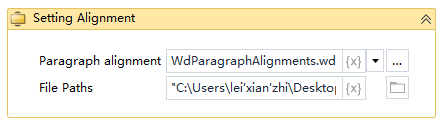
Execution steps: Set the corresponding alignment for the selected text according to the selected alignment.