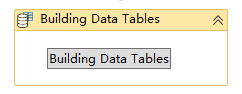
Building Data Tables
Activity Description
Create a data table using the table editor that comes with the activity

Property Description
Table content
Use the included table editor to manually build the desired data table
Output data table
Output variables, used to receive the variables of the created data table, e.g.: sjbT1
Usage Example
Running results:
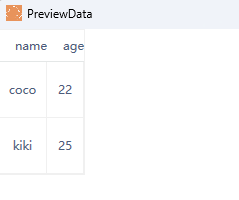
Steps: Click the “Build Data Table” button to enter the table editing window and create a data table with two rows and two columns.
Note: When adding new table content, you need to specify the data structure of the column content in the first row.